
Skip to content

Good games. Better company.

Find gaming friends. Keep the good ones.

A full friends list isn't the same as having someone to play with. Playro helps you meet gamers who share your games, platform and language. Start with one good conversation, try a session together and build the kind of friendship that outlasts a single lobby.

For a quick game, a long campaign or just one more round.

  • Free account
  • Web + Android
  • Age-separated discovery
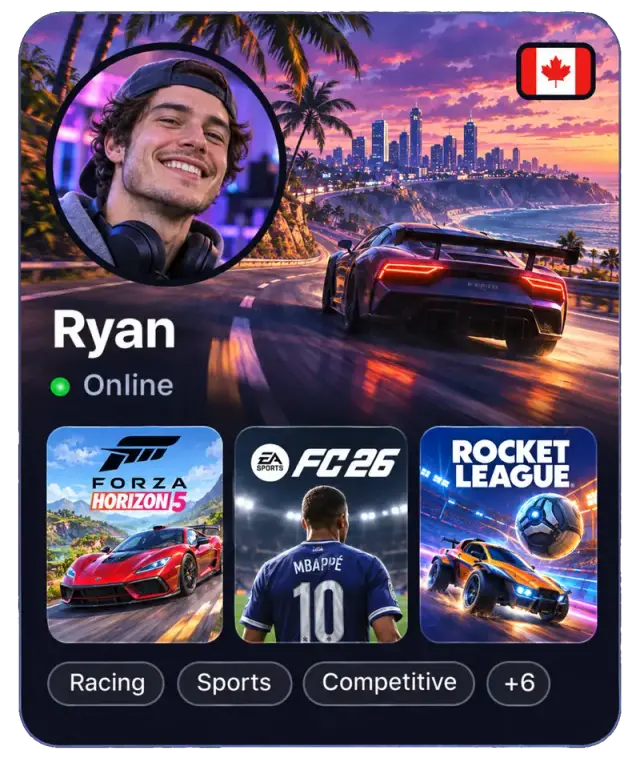
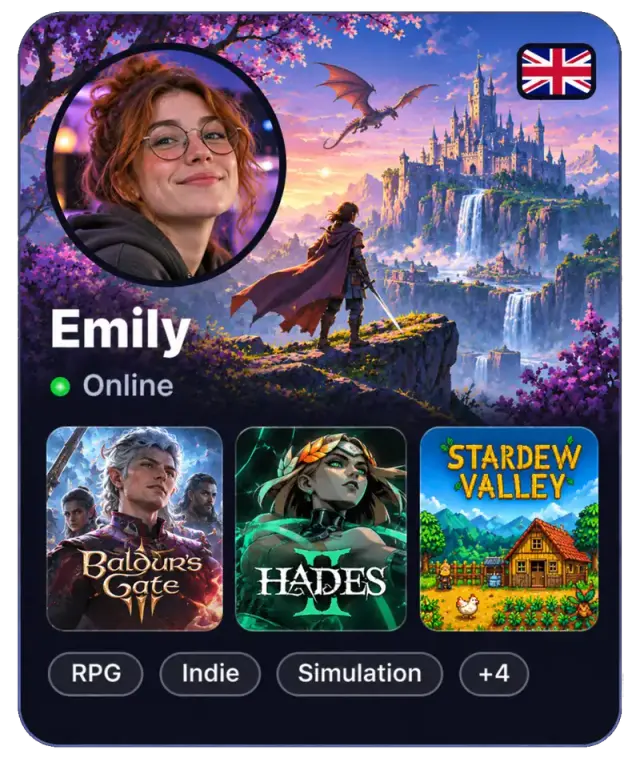
Illustrative player cards

A better first session

How to make gaming friends you'll actually play with

Shared games open the door. Shared expectations make it easier to come back. Here's how to turn a first hello into a regular gaming friend.

Start with a game you want to play this week

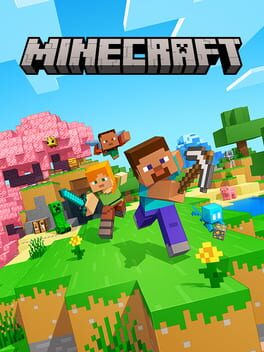
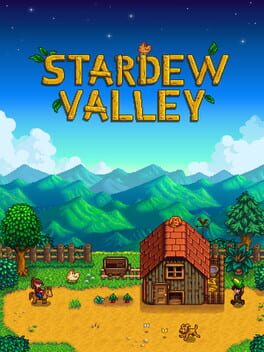
A profile with every game you've ever owned gives people little direction. Add the games you genuinely want company for and say what you enjoy about them. Building a farm, exploring a world or learning a new mode gives someone a natural reason to connect. You don't need the same library; one shared game is enough to start.
Make the first plan small and specific

Try a short session before committing to a whole campaign. Once an invitation is accepted, agree on a day, time zone and how long you'd like to play in chat. Say whether you prefer voice or text. Playro lets you express your microphone preference; agreeing on the rest together avoids a good connection becoming a conversation that never goes anywhere.

Choose people who respect your pace

Some gamers want a quiet evening; others love talking through every decision. Neither needs to win you over. Be honest about being new, taking breaks or enjoying casual games. After a session you both enjoyed, add each other as friends and suggest the next one. Use report and block controls if someone crosses your boundaries.

Before you press start

Four things worth sharing before the first game

  • Your current game

    Name the game and what you'd like to do together, rather than just saying you play anything.

  • Platform and edition

    Check that your versions can play together. Owning the same title doesn't always mean crossplay.

  • Language and microphone

    Pick a shared language and be clear about voice or text so nobody has to guess.

  • A realistic time

    Agree on your time zone and session length in chat, especially when you're in different countries.

From profile to party

Meet here. Play on your platform.

  1. Show what you love playing

    Create your free profile with your games, platforms, languages and microphone preference.

  2. Meet someone with something in common

    Explore player profiles and use the available filters. Send a guided invitation when someone feels like a good fit.

  3. Turn a good session into another

    Chat after the invitation is accepted, launch the game on your own platform and add each other as friends when you're ready.

Games

One shared game is a good beginning

Explore these game pages to start with a common interest. They describe games in the catalog, not a live count of available players.

Explore the game catalog

Player availability varies by game, region and time. Game access, subscriptions and crossplay depend on each game's publisher.

FAQ

Good questions. Clear answers.

Where can I find gaming friends online?

Gaming communities, in-game groups and apps such as Playro can help. On Playro, begin with a game and a compatible platform, then consider language and microphone preferences. An accepted guided invitation opens the conversation so you can plan a session together.

Can I make gaming friends without using a microphone?

Yes. You can indicate your microphone preference on Playro and discuss text communication in chat. Make sure the game and the people you play with are comfortable with that arrangement. Voice isn't a requirement for a good gaming friendship.

Is Playro free to use in a browser?

Yes. Creating a profile, discovering players, connecting and chatting are free. You can use the website or Android app with the same account. You still need your own access to the games you choose to play.

How does Playro handle unwanted contact?

First contact uses guided invitations, and you can report or block users. Discovery separates minors and adults. Keep personal information private and use those controls if an interaction makes you uncomfortable; no platform can guarantee every encounter will go well.

Create your profile in a minute and meet people who play what you play.