
Skip to content

Less solo queue. More teamwork.

Find your teammates. Queue with a plan.

Looking for a duo, a squad or one more player? Start with people who can actually join your game. Playro helps you discover compatible player profiles, connect through guided invitations and agree on the session before you enter the lobby. Casual warm-up or ranked push: make the plan clear together.

Your game. Your platform. A team on the same page.

  • Free account
  • Web + Android
  • Age-separated discovery
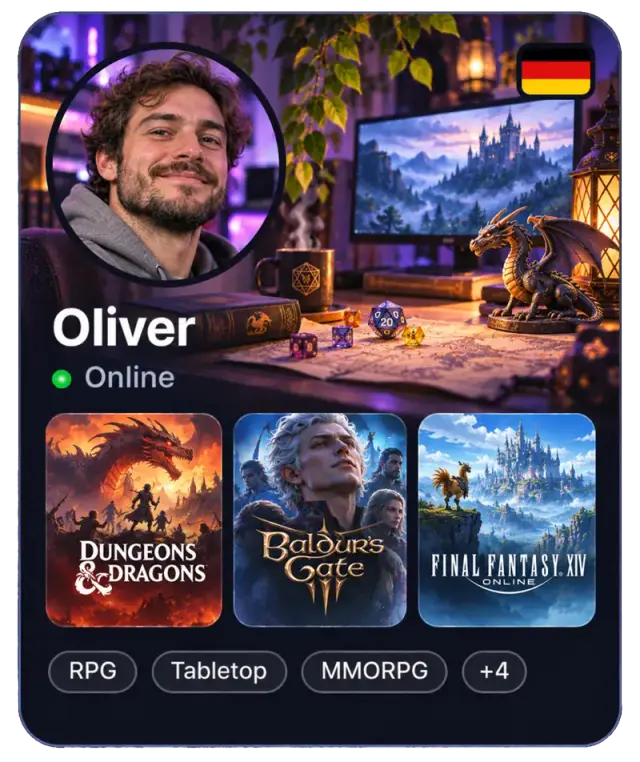
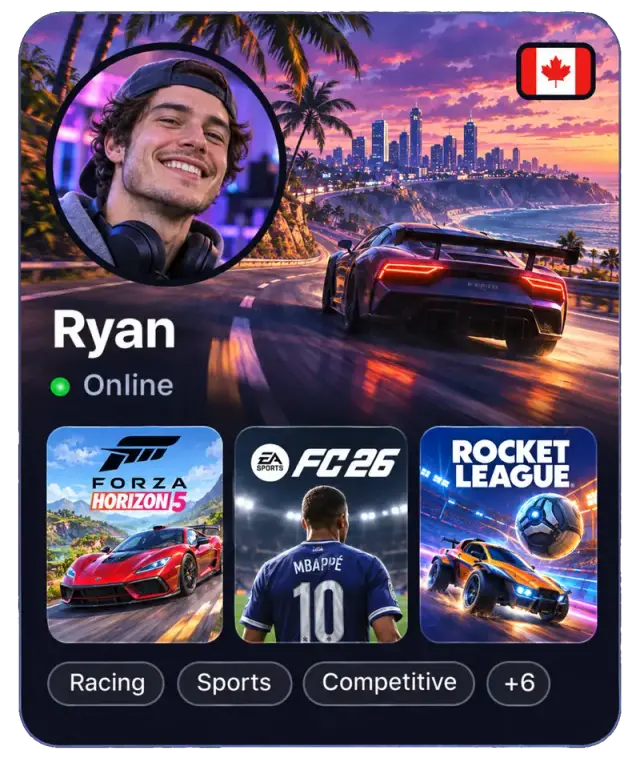
Illustrative player cards

A better first session

A useful LFG search starts before the queue

LFG means Looking For Group. Finding a teammate is only half the job: knowing what you're queuing for makes the first match much easier.

Pick the mode before picking the team

The same game can mean very different evenings. Say whether you're warming up, playing ranked or trying a new mode. In Playro you can find people by game and platform; discuss mode, server and rank requirements in chat after connecting. Those details are agreements between players, not a promise of automatic rank matching.


Talk roles and communication early

A duo works better when both players know what the other enjoys doing. Mention your usual role, how much you want to communicate and whether you're learning. Use a shared language and microphone preference to narrow the search, then agree on voice in the game or another service. Playro provides text chat for organizing the session.

Test the fit without making it a tryout

One match won't tell you everything about a teammate. Try a short warm-up and see whether you handle mistakes well together. Set expectations around breaks and how many games you'll play. If the session works, add each other as friends for the next queue. If it doesn't, move on respectfully instead of treating a result as a verdict on someone.

Before you press start

Your pre-queue checklist

  • Game, mode and server

    Choose your game, then confirm the mode and region or server together in chat.

  • Duo or full squad

    Say how many players you need and which roles would complement your group.

  • Platform compatibility

    Verify crossplay and ranked restrictions for your exact game and devices before queuing.

  • Session goal

    Agree on casual or competitive play, experience level, communication and a sensible stopping point.

From profile to party

Meet here. Play on your platform.

  1. Put your game on your profile

    Add the games and platforms you use. Set your languages and microphone preference so other players can understand your setup.

  2. Connect with a potential teammate

    Browse profiles, use the available discovery filters and send a guided invitation to a player you'd like to team up with.

  3. Agree, launch and queue

    After acceptance, confirm the server, mode and expectations in chat. Exchange game handles and start the match on your own platform.

Games

Build around the game you're queuing for

Use the individual game pages to explore your next search. Availability depends on who is using Playro, your region and the time.

Explore the game catalog

Player availability varies by game, region and time. Game access, subscriptions and crossplay depend on each game's publisher.

FAQ

Good questions. Clear answers.

What does LFG mean in gaming?

LFG stands for Looking For Group: looking for people to join a game or session. It can mean finding a duo partner, filling a squad or meeting regular teammates. Playro approaches that need through player profiles, discovery filters, guided invitations and chat.

Can I find a duo for ranked games on Playro?

You can meet players for the games you play and discuss ranked in chat. Confirm rank, server, roles and the game's queue restrictions with each other. Playro doesn't verify your rank or guarantee an eligible ranked partner, a win or a particular wait time.

Does Playro provide voice chat or run the match?

Playro helps players meet and organize through text chat. You launch the game on your own PC, console or phone, and choose the game's voice tools or another service if needed. A microphone preference helps you find people comfortable with your setup.

Can players on different platforms team up?

Only when the game supports it for your platforms, editions and mode. Finding someone through Playro doesn't enable crossplay. Check the publisher's current rules together before deciding to queue, especially for competitive modes with extra restrictions.

Create your profile in a minute and meet people who play what you play.