

Find teammates for Stardew Valley
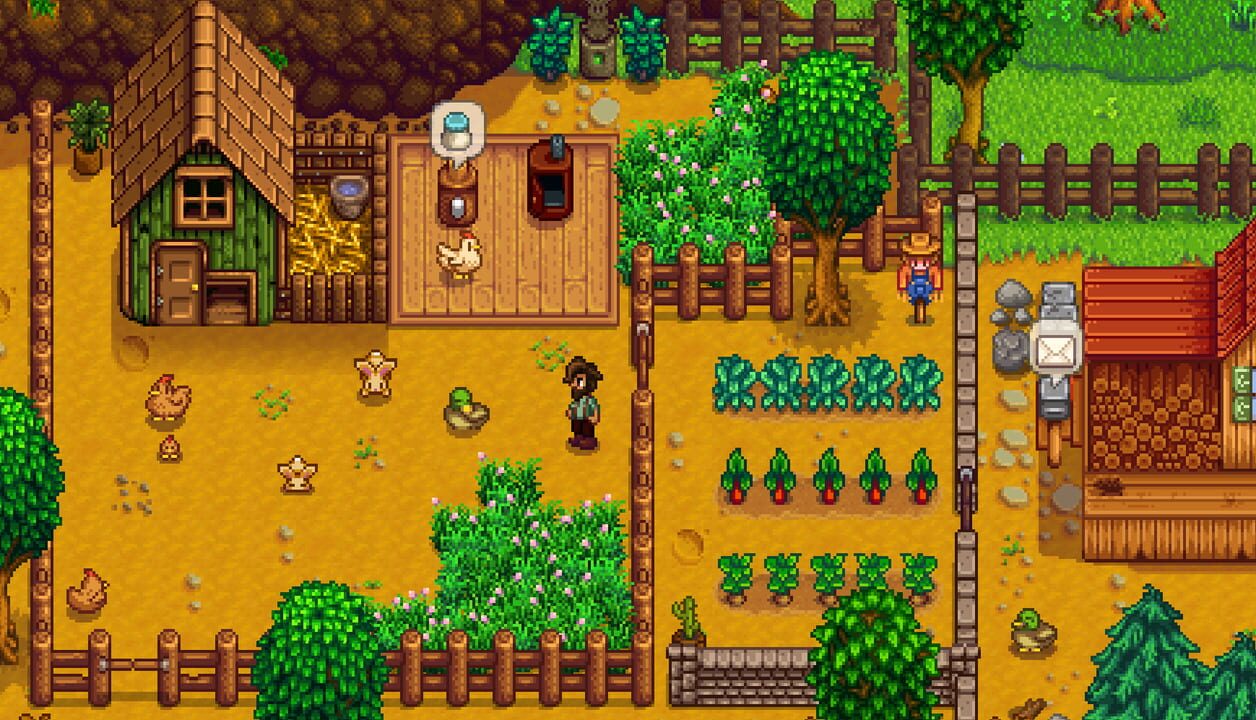
Stardew Valley is an open-ended country-life RPG! You’ve inherited your grandfather’s old farm plot in Stardew Valley. Armed with hand-me-down tools and a few coins, you set out to begin your new life. Can you learn to live off the land and turn these overgrown fields into a thriving home? It won’t be easy. Ever since Joja Corporation came to town, the old ways of life have all but disappeared. The community center, once the town’s most vibrant hub of activity, now lies in shambles. But the valley seems full of opportunity. With a little dedication, you might just be the one to restore Stardew Valley to greatness!
- Single player
- Multiplayer
- Co-op
 Linux · PC · Mac
 PS4
PS4 Switch 2
 Android · iOS
- Vita

How it works
How Playro works for Stardew Valley
- 01
Create your free profile
Sign up in seconds and add Stardew Valley to your games.
- 02
Match with players
Playro surfaces Stardew Valley players by platform, language, mic and region.
- 03
Invite and play
Send an invite, chat in real time, and jump into your next match.

Questions about Stardew Valley
How do I find Stardew Valley players on Playro?
Create a free account, add Stardew Valley to your profile, and Playro matches you with compatible players who are online now, filter by platform, language, mic and region, then chat and squad up.
Is Playro free for Stardew Valley?
Yes. Finding Stardew Valley teammates, chatting and squading up is completely free, no credit card and no download required. It works in your browser and on the mobile app.
Can I use the same account on mobile?
Absolutely. Your Playro account, friends and chats sync between the web and the Google Play app, sign up once on either and pick up right where you left off.
Playro is built by Teddy Code, a studio that builds React Native apps for iOS and Android.







Your next Stardew Valley match starts here
Create your profile in a minute and meet people who play what you play.
I already have an account